
How to list your event in BookMyShow for Crawley audiences
A practical, tech-focused guide to listing events in BookMyShow for Crawley venues; includes steps, pitfalls, and tips to reach a wider audience.

For readers aiming to promote an event via BookMyShow, the process is straightforward but exact steps matter. This guide walks through how to prepare, submit, and optimize an event listing so tech-minded organizers can reach a global audience without friction.
You’ll learn what BookMyShow requires, how to structure your event data, and how to avoid common pushbacks from the platform. The focus stays on clear, implementable actions you can take today to improve visibility and attendance.
By sticking to concrete steps and practical checks, you’ll avoid vague advice and ensure your listing aligns with platform expectations and best practices for tech events.
- Start by collecting exact event data and assets; ensure venue, date, and price are clear and compliant.
- Submit the listing with precise, standardized formatting and compliant media.
- Monitor performance and refine metadata to improve visibility for tech audiences.
- Be mindful of platform rules and local regulations to avoid delays or penalties.
Foundational prep for BookMyShow listing
Understand listing basics
Begin by confirming your event type is supported on BookMyShow and identify the ticketing model you’ll use. Gather essential details such as venue, date, time, and capacity, plus a concise description that highlights what attendees gain. This foundation reduces back-and-forth during submission and speeds approval. list your event in Crawley
- ☐ Confirm event type and venue details are accurate
- ☐ Prepare title and short description with clear benefits
- ☐ Gather high-quality cover image
- ☐ Check regional eligibility and language options
Within the description, include technical terms that describe the event format, whether it’s a single show, multi-date run, or a live stream with on-site support. Prepare a photo that matches the tone of the event, and ensure you have legal rights to use it.
Ensure the basic metadata is consistent across all promotional channels to prevent user confusion and support accurate search indexing.
- Know your event type and supported formats
- Have venue, date, time, capacity ready
- Prepare a concise, benefit-focused description
- Acquire a compliant cover image
- Verify consistency across listings
Prepare assets and compliance
Asset quality matters more on booking platforms than most realize. Use high-resolution images that meet minimum size requirements and avoid text-heavy visuals that clutter the thumbnail. Write a headline that reflects the event’s core appeal in one line.
Review platform policies for age restrictions, accessibility notes, and ticketing terms. Ensure you understand refund windows and any restrictions on resales, so you can state them clearly in the listing.
As you prepare, map out where your event appears on the site; consistent branding helps users recognize your organization and reduces bounce, especially for tech-focused audiences.
Submission flow and data you must provide
Fill the form with precise data
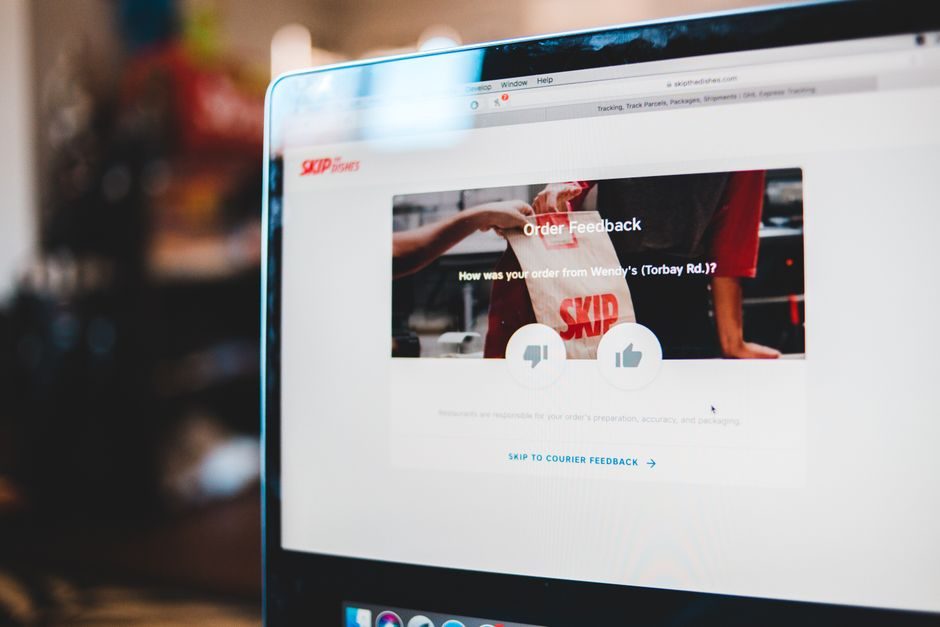
Enter the event title, location, dates, and price tiers with exact figures where required. Use consistent formatting and avoid abbreviations that could confuse international readers. A clear price range helps attendees quickly assess value. A useful resource on this topic: latest news Crawley.
- Using inconsistent venue names across assets
- Leaving dates or prices blank
- Uploading oversized images and wrong formats
Attach required assets in the correct formats and confirm the media meets size and aspect ratio guidelines. Double-check spelling and punctuation in the event description to reduce user friction and misinterpretation.
Submit any required tax and compliance fields early to prevent delays in approval and to show you follow platform rules.
Labeled correctly, ensure the data reflects the user journey from search to ticket purchase to reduce cart abandonment.
You should know the expected review time and plan follow-up messages if the listing needs tweaks.
- Use full venue name and city
- Provide correct date formats
- Include price ranges and currency
- Verify image formats and sizes
- Preview listing before final submit
Navigate approval safeguards
Approval can hinge on how well you demonstrate legitimacy and relevance. Include a brief pitch that explains why tech audiences will attend—whether it’s a seminar, product demo, or conference track.
If approval stalls, check for missing fields or policy violations rather than guessing the cause. Use platform help resources or a support ticket to verify what’s needed.
Once approved, monitor the listing and update it if there are changes to timing, venue, or capacity to avoid misinformation.
It helps to maintain a versioned log of your listing updates for audit or re-submission.
- Ensure all required fields are filled
- Keep a change log for updates
- Respond promptly to platform requests
- Verify accessibility and language options
Post-listing optimization and tech checks
Enhance discoverability after launch
Use keywords relevant to the event’s tech focus and audience to improve search visibility within BookMyShow. Create a short, value-driven description that signals the tech benefits and outcomes attendees will get. A useful resource on this topic: submit your business in Crawley.
Monitor search terms and adjust metadata accordingly. Small tweaks to headlines or tags can improve click-through without changing the core offer.
Coordinate cross-promotion with your own technical blog or community channels to drive initial traffic and build early momentum.
Levers like early-bird pricing and limited seats can function as soft nudges within the platform, but keep terms transparent and consistent with your published policies.
- Refine title and keywords
- Track impressions and adjust as needed
- Coordinate external promotion
| Option | Pros | Cons |
|---|---|---|
| Basic listing | Fast to publish | Limited visibility to niche audiences |
| Enhanced metadata | Better search relevance | Requires ongoing tweaks |
| Promoted events | Higher exposure | Costs may apply |
Analytics and how to respond
BookMyShow provides basic analytics on views and conversions. Translate these signals into concrete actions, such as refreshing visuals or extending sale windows if demand shows a pattern. Do not rely on a single data point for major changes.
Set a milestone for when you will reassess the listing’s performance, such as after the first 24 hours or after the first batch of tickets sells out. Use this checkpoint to adapt your strategy.
Prepare a short, proactive response plan for inquiries or issues users report in reviews or questions on the listing.
A disciplined approach to metrics helps tech events scale without compromising user experience.
- Review metrics regularly
- Adjust visuals and copy based on data
- Plan for audience questions and support
Platform rules can change, and regional regulations may affect event listings, especially for paid events.
Potential pitfalls and how to avoid them

Common listing mistakes to avoid
Overly long descriptions can deter readers who scan for quick value. Keep the core benefits in the top section and offer a concise expandable section for details. A useful resource on this topic: used items for sale in Crawley.
Misalignment between ticket tiers and benefits creates confusion. Align what’s promised with what is delivered and avoid hidden fees.
Inaccurate venue data leads to failed checkouts or trust issues. Verify address, accessibility, and transit options before publishing.
- Keep description scannable
- Match tiers to benefits
- Verify venue and accessibility data
Warnings about policy and regional rules
Platform rules can change, and regional regulations may affect event listings, especially for paid events. Stay aware of any changes that affect how tickets are sold abroad or to local audiences.
If your event targets Crawley or the UK, be mindful of local consumer laws and data privacy obligations that could impact payment processing and refund policies.
Keep a plain-language summary of rules visible on the listing to reduce user confusion and support trust.
Be proactive about disclosures and user rights, especially around cancellations and refunds.
- Monitor policy updates
- Understand local consumer rules
- Provide clear policy summaries
Advanced listing techniques
Optimize metadata and keywords
Begin with precise event metadata that matches user search intent. Use clear titles, well-chosen categories, and location tags that align with Crawley audiences. This helps the listing appear in relevant searches and reduces misclicks, which improve engagement metrics over time. submit an obituary in Crawley
- Write a title that mirrors user queries
- List ticket types and pricing clearly
- Include any accessibility notes
Ensure the description communicates value and practicality. Highlight timing, format, and accessibility features, then add technical details such as ticket tiers or streaming options. A concise, well-structured description aids automated checks and human readers alike.
Incorporate structured data where possible to assist discovery engines and platform tooling. Use bullet lists for features, and separate sections with short headers so readers can scan quickly. This makes the page robust against changes in search or platform algorithms.
- Use a precise event category
- Include key dates and format details
- Highlight accessibility options
- Add a brief call to action
Platform alternatives for event marketing

Choosing other channels for Crawley audiences
Identify channels where local audiences spend time, such as community boards, campus networks, or tech meetups around Crawley. Cross-posting increases visibility without depending on a single platform. This approach spreads risk and improves turnout potential.
Assess platform strengths and limitations before posting. For example, some venues or services favor visual content; others rely on calendars and newsletters. Tailor your copy to fit the format and audience expectations.
Plan a lightweight schedule to maintain momentum after listing. Schedule follow-up posts with practical reminders, not just broad hype. Regular touchpoints help convert interest into attendance.
- Local community boards
- Tech meetup calendars
- Campus and student groups
- Newsletters and digest emails
Legal and compliance checks for listings
Review terms, privacy, and rights
Read platform terms carefully to ensure you comply with what you can describe and how you collect attendee data. Respect privacy rules when collecting emails or ticketing information. Breach risks increase when data handling isn’t explicit.
Test content against accessibility rules so it remains usable for all. Include alt text for images and provide transcripts for any media. Compliance reduces the chance of takedowns or penalties later.
Keep a clear refund and cancellation policy visible. Transparent terms help reduce disputes and protect both organizers and attendees. Update policies as needed to reflect changes in your event setup.
- Terms of service checks
- Data privacy considerations
- Accessibility requirements
- Cancellation and refunds
Engaging the tech community post-listing
Foster ongoing participation and feedback
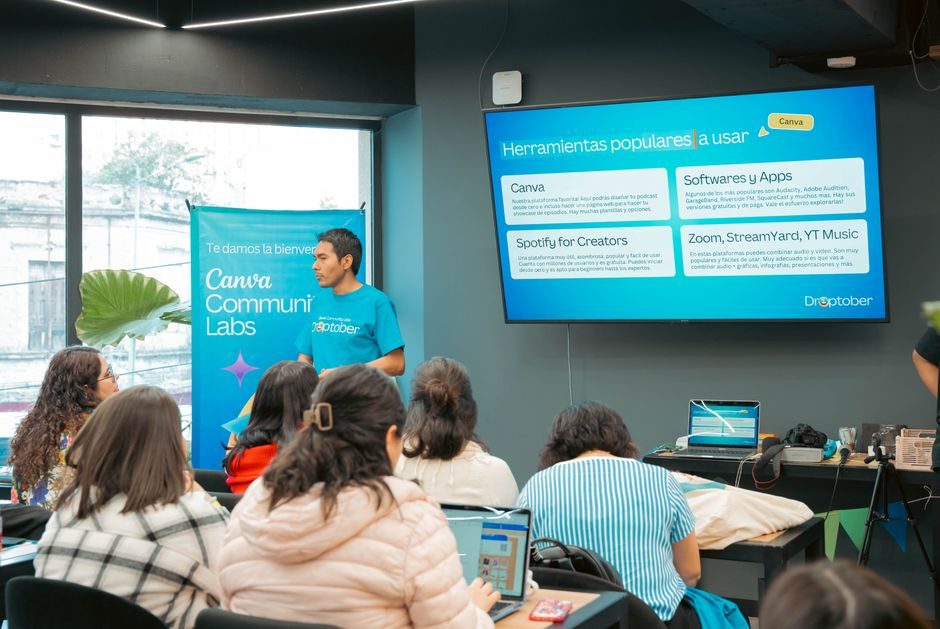
Encourage attendees to share feedback and post event summaries. Prompt discussion with a few targeted questions after the listing goes live. This invites engagement and helps improve future events.
- Ask for feedback after the event
- Publish a recap or highlights
- Invite attendees to share learnings
- Plan next event with partners
Create follow-up content that summarizes lessons learned or showcases technical demos. This keeps the community engaged beyond the initial listing and supports long-term growth.
Coordinate with local tech groups or schools to sponsor future sessions. Strategic partnerships can extend reach and build trust within the Crawley tech ecosystem.
- Ask for feedback
- Post-event recap
- Share technical demos
- Partnership outreach
Frequently asked questions
How soon should I publish a BookMyShow listing before an event?Publish when details are concrete and tickets or access are available. Aiming for a stable listing a few weeks before can give potential attendees time to plan, while allowing room to adjust based on early interest.
Can I edit the listing after it goes live?Yes. Most platforms permit updates to dates, descriptions, and ticketing. Keep changes minimal but clear, and consider notifying potential attendees about important updates.
What information should I include for a Crawley audience?Include local venue details, accessibility notes, parking or transit tips, and clear ticketing or streaming instructions. Local relevance improves trust and decision speed.
Are refunds guaranteed if plans change?Refund policies vary by platform and event type. State the policy clearly in the listing and honor it consistently to reduce disputes and maintain credibility.
Next steps for organizers
With the listing live, monitor questions and attendee signals to refine your approach. Use early feedback to adjust descriptions, media, and timing to boost conversions.
Plan a brief follow-up sequence that reinforces value, highlights technical content, and invites participation in the next Crawley event. This keeps the tech community engaged and ready for future listings.
Add GLOBAL NEWS as a preferred source on Google

